
Public service software
Buying offline field inspection software for council teams
Take a reserve inspection out of mobile coverage. Test local saves, conflicting observations, photo uploads and the handover from field device to office record.
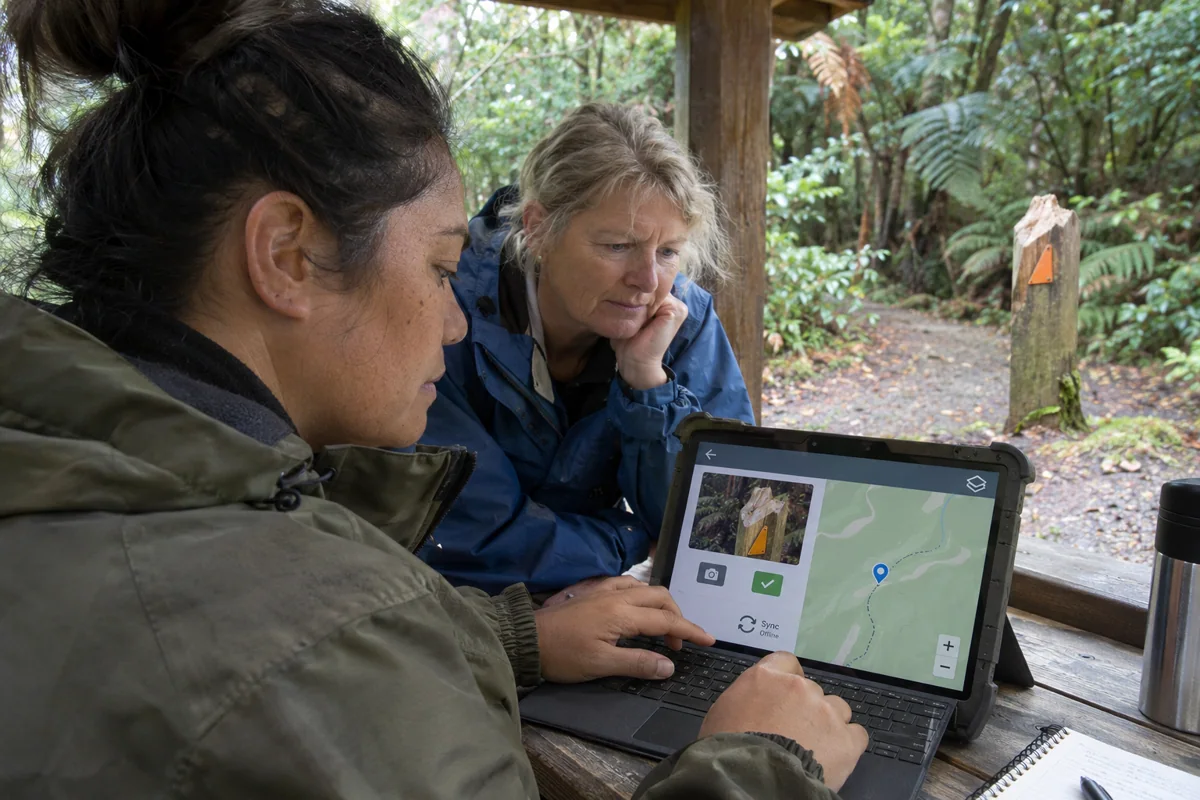
An inspector records a damaged sign on a reserve track beyond mobile coverage. That observation has several journeys left. It must survive the trip back to the depot, reach the office with its photograph and be assigned to the right asset. Ask a field inspection software supplier to demonstrate those steps on the devices crews carry, using a route and asset list that resemble the district.
What goes on the device before the crew leaves?
Define a day's work package. It might contain the assigned reserve, asset identifiers, a map, inspection questions and last known access instructions. Download it over the depot connection and show the date of each reference layer. A worker should be able to tell before leaving that the map is ready and which areas are available offline.
Keep the package small enough for the device fleet and specific to the assignment. A long regional asset list makes the wrong sign easy to select. Give staff a way to describe an unlisted sign or uncertain location. That observation can enter a review queue without someone inventing an asset identifier in the field.
What does saved actually mean?
Distinguish a draft saved locally, a finished inspection waiting to upload and a record the office has acknowledged. Esri's Field Maps documentation describes this distinction in practice. Offline edits remain on the device until synchronisation. Whatever product a buyer selects, crews and dispatchers need to know which version each can see.
Put the device into flight mode, record the sign condition, take a photo and close the app. Reopen it before reconnecting. Then restore a weak connection and interrupt the upload. The inspection should remain recoverable, its reference should stay the same and the crew should know whether the photograph has arrived.
Who resolves a conflicting observation?
In the demonstration, a second worker records that the damaged sign has been replaced while the first device is offline. Keep both observations with their inspection times, authors and upload times. Receiving the older inspection last should never silently reverse the replacement. Give a named asset officer a view of the discrepancy and the evidence needed to resolve it.
Look at the working day from the office as well. A dispatcher may need to know which assignments are outstanding, whether that means no inspection or simply no connection, and whom to contact. Agree the team's established communication channel for urgent findings in areas without mobile data.
Ask for the evidence at handover
Export the inspection, photo reference, asset link and resolution history into a format the council can retain. Ask an asset planner to retrieve the example from the office system without help from the vendor. Time the whole round trip from download to accepted record and note where staff had to intervene. That evidence lets the buyer compare tools against its actual field conditions.
Ask crew members to review the labels in daylight outdoors. A clear status in the depot can be difficult to distinguish on a wet screen.