
CRM and business growth
How to move customer records into a new CRM
Rehearse a CRM migration with duplicate accounts, Māori names, open jobs and contact preferences before switching a New Zealand service team to its new system.
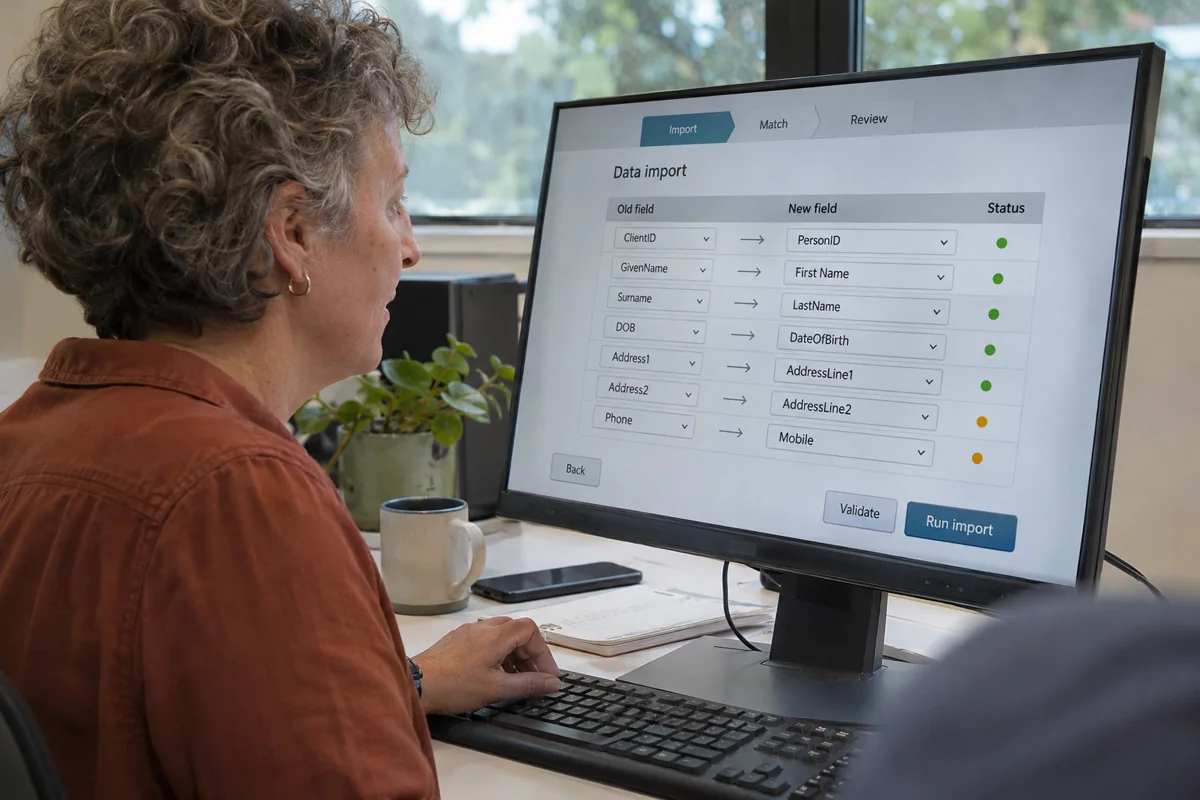
An import tool can announce success while a technician’s next visit has lost its site address. For a New Zealand service firm moving from spreadsheets or an older CRM, the migration test is whether someone can do tomorrow’s work using the imported records. Start with open commitments, build a rehearsal around them, and give staff a way to account for the records that stay behind.
Which records should make the move?
Ask each team for one task that depends on customer history. A warranty coordinator might need the original installation date. A dispatcher needs the current service contact. A finance officer may already have the authoritative invoice history elsewhere. Write down which system will answer each question after cutover. Exporting an old column is easy. Finding someone willing to own it in the new CRM takes a conversation.
Separate records still needed for an identified purpose from duplicates and material needing a retention decision. The Privacy Commissioner’s guidance covers the accuracy and retention of personal information. Agree the purpose and applicable retention requirements with the record owner before removing anything. Limit access to migration extracts, record who holds a copy and set a date to review the rehearsal files.
How do you rehearse a difficult merge?
Create a test family of records. Give two customers the same surname and different contact preferences. Add a household with one shared phone, a contact whose name contains a macron, a business that changed trading name, and a job with an attachment. Give each source row a stable reference that survives import so a reviewer can trace the result.
After loading the sample, look up each person by the routes staff actually use. Open the shared phone result and check that the operator has enough context to select the right person. Verify that the Māori name displays correctly after exporting it again. Keep uncertain matches in a review queue with both source references and a reason for the decision.
Take screenshots of decisions that need an operator, such as two possible employers for the same named person. Write down the evidence the reviewer used. At the next rehearsal, a different reviewer should be able to explain the match, or leave it unresolved, using that record.
What evidence belongs in the cutover plan?
Reconcile the relationships as well as the totals. For example, “42 jobs imported” says little about where they landed. Compare the open jobs under each account and site, count records that failed validation, and inspect any attachment the importer could not transfer. Ask the dispatcher to book the next visit from the new record while the old system is still available for comparison.
Decide how staff will capture changes made after the final export. A cancellation over the phone during cutover must reach the new system once. Name the person who reconciles that change log and the person who can delay the switch. If the launch pauses, staff need a clear instruction about which system accepts live updates. Keep the rehearsal report with the final mapping so a later correction can be traced.