
Public service software
Assisted digital services across phone, counter and web
Plan a council service that people can start online and finish by phone or at the counter. Test handovers, permissions and completion across all three channels.
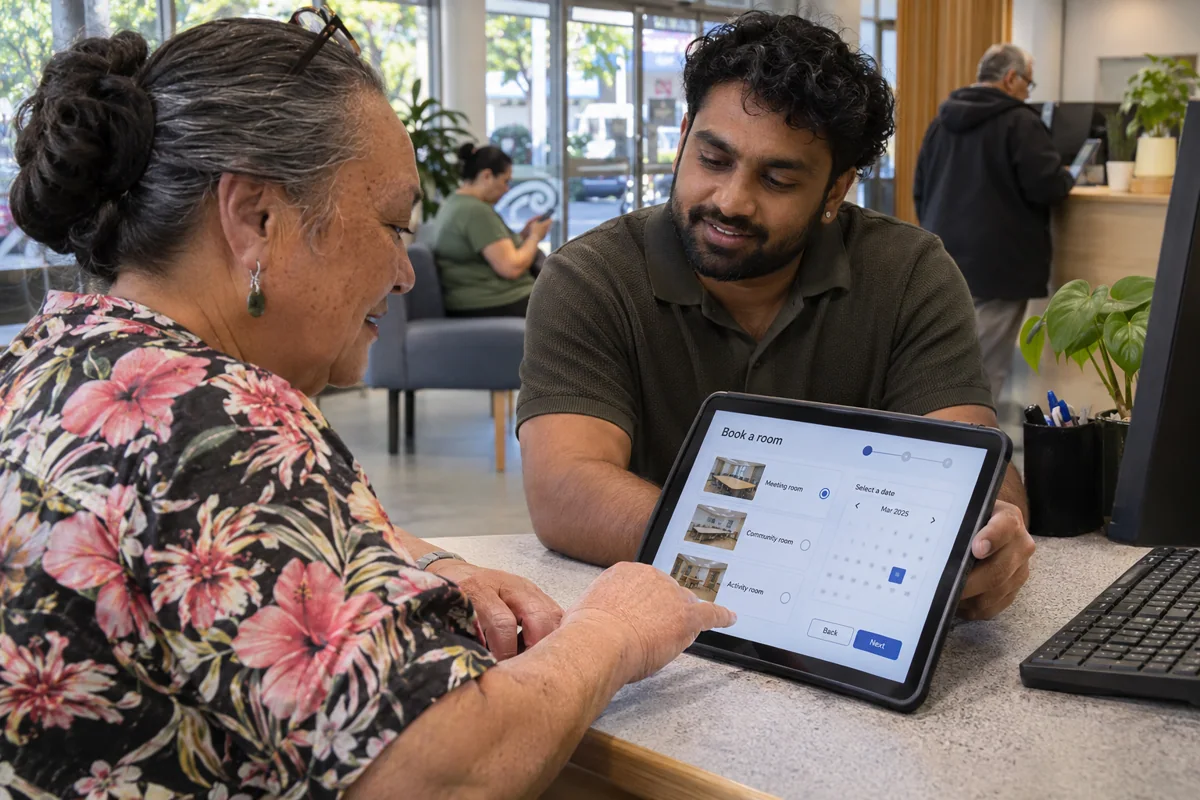
Someone wants to hire a community room for a whānau gathering. They start online on a borrowed phone, then visit the service counter with a question about kitchen access. In a well-designed assisted digital service, the staff member can help them finish the same enquiry. The resident leaves knowing what has been recorded and how they will hear back, even if they never open an online account.
Where does a person get stuck?
Watch residents and frontline staff work through one ordinary transaction from start to finish. A resident may need help interpreting a question, reading a map, uploading evidence or understanding the next step. Giving everyone the same login tutorial will address only some of those needs. Note where each person stops and what actually gets them moving again.
NZ Digital Government's inclusion principle describes several kinds of assistance, including telephone, in-person support and service intermediaries. Choose channels in consultation with the communities using the service. Set opening hours and response commitments the team can staff, and publish them beside the online route where people make their choice.
How does the counter find the enquiry?
A short reference can help locate a draft. Agree how staff verify the caller or visitor before revealing information, taking the sensitivity of the transaction into account. Build a route for someone who lost the reference. The reference and verification process need to work when a resident shares a device, an address or a family phone number.
Keep the identity of the person entering information distinct from the person seeking the service. A staff member recording a resident's words and a relative making an enquiry on their behalf perform different roles. Let the adviser record the relevant authority and withdraw access when circumstances change. Use test accounts to see exactly which details each role can read.
What counts as success at the counter?
The demonstration should end with a receipt the resident can actually use. In the room-hire example, the visitor might choose a printed summary and a telephone callback. The confirmation should say whether the room is only requested or already reserved. Read it aloud with counter staff and ask what they would explain differently.
Before the visitor leaves, show them how to correct a mistaken date. A service that accepts an assisted application but sends amendments exclusively through an online account has left the difficult part of the journey unfinished.
Compare outcomes across channels
Track completed requests, repeat contacts and abandoned handovers as well as digital submissions. A rising web submission rate could coincide with more calls from people who cannot finish. Give the buyer a reporting example that follows the same request through web and counter as a single case. Ask staff and residents to interpret the result together before deciding where a software change would help most.
Include the time spent by the visitor and by the adviser. A shorter digital form can still shift significant extra work to frontline staff.