
Public service software
How to buy accessible online forms for NZ public services
Test a public service form with keyboard navigation, screen reader feedback and recoverable errors. Define the evidence a buyer needs before accepting delivery.
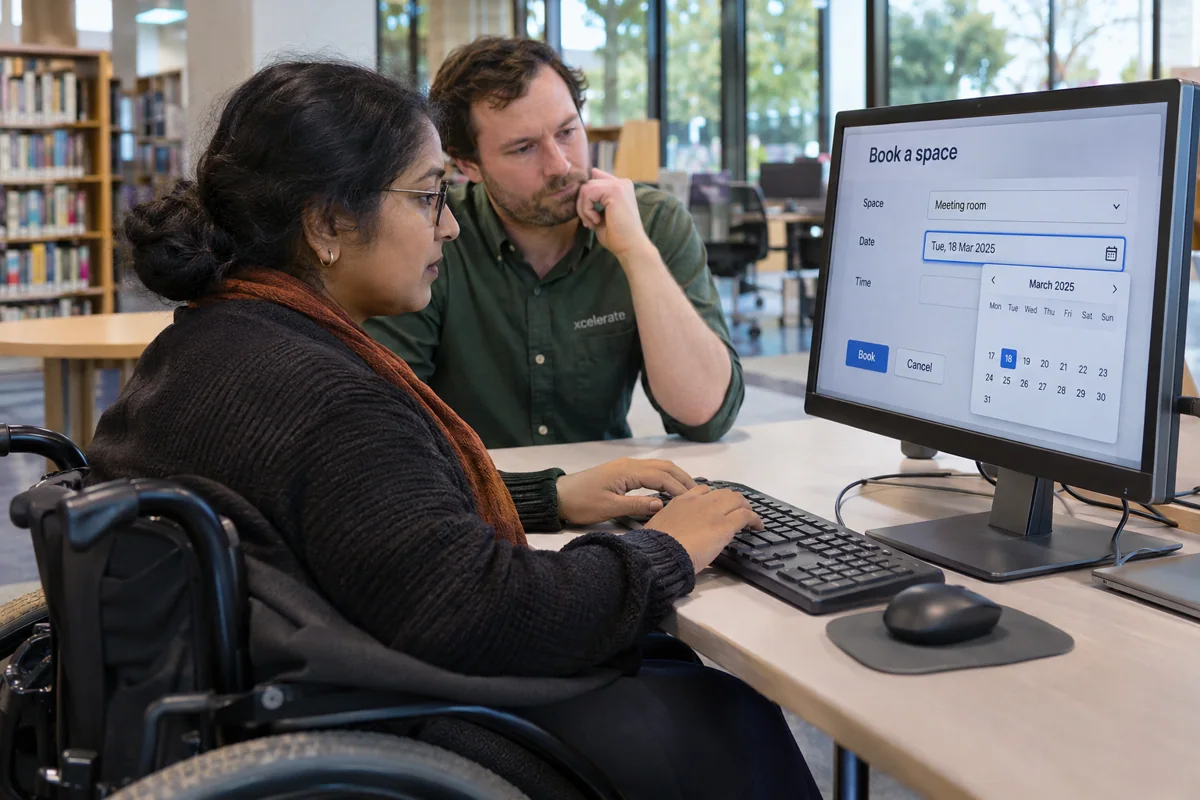
Buying an accessible online form means buying a task someone can finish, including when they make a mistake. For a council hall enquiry, a resident needs to select a venue, propose a date, describe the event and understand the response. A screenshot of the first screen says little about whether a keyboard or screen reader user can correct an unavailable date and receive confirmation.
What should a buyer put in the brief?
Name the applicable standard, the complete transaction and who will test it. NZ Government Web Accessibility Standard 1.2 sets WCAG 2.2 Level AA, subject to its exceptions, for the organisations it lists. A council can specify its accessibility requirements for the purchase and include third-party widgets, confirmations and any documents that completing the service requires.
Give vendors a script that covers the ordinary route and an error. Let evaluators choose the venue and dates themselves at the demonstration. Specify which device, browser and assistive technology combinations the team will check and why they reflect the people using the service. Budget for testing with disabled participants and for fixing and retesting issues they find.
Can someone identify and correct an error?
Try making a booking request for yesterday. The service should explain the date issue in words, connect the message to the relevant input and retain the other answers. A red border has little value to someone who cannot see it. W3C's form notification guidance describes linking error summaries to controls and giving people a clear correction.
Use the keyboard to follow the error link, change the date and submit again. Check what a screen reader announces when the page updates. A control may have a good label when encountered in isolation yet be hard to find after a failed submission. That distinction is why the buyer needs a full transaction test.
What happens halfway through?
Use logical steps and make progress understandable. W3C's multi-page form guidance covers communicating steps and handling time limits. Let the resident review their details before submitting. If going back clears their carefully written event description, the design needs another pass.
Try a date picker without a mouse, an optional file upload at high zoom and a return from the review page to the venue question. Check that focus lands somewhere predictable after each action and that the answer stays associated with its question. Include the final receipt and contact route in the same review.
Decide what counts as delivery
Ask for issues recorded against the task, their effect on the person, steps to reproduce and evidence of the fix. Ask a separate tester to replay a correction and reach the confirmation screen. Preserve the working examples with the form so staff can repeat the checks after changing labels, replacing the calendar or updating the submission service.
Record the version tested and the person who accepts the fix. A later handover should tell the next form owner exactly how to repeat the test.