
Service design
What happens when a booking changes?
Follow a rescheduled lesson from the learner’s inbox to the staff calendar. A guide to testing the handover between a website and a CRM.
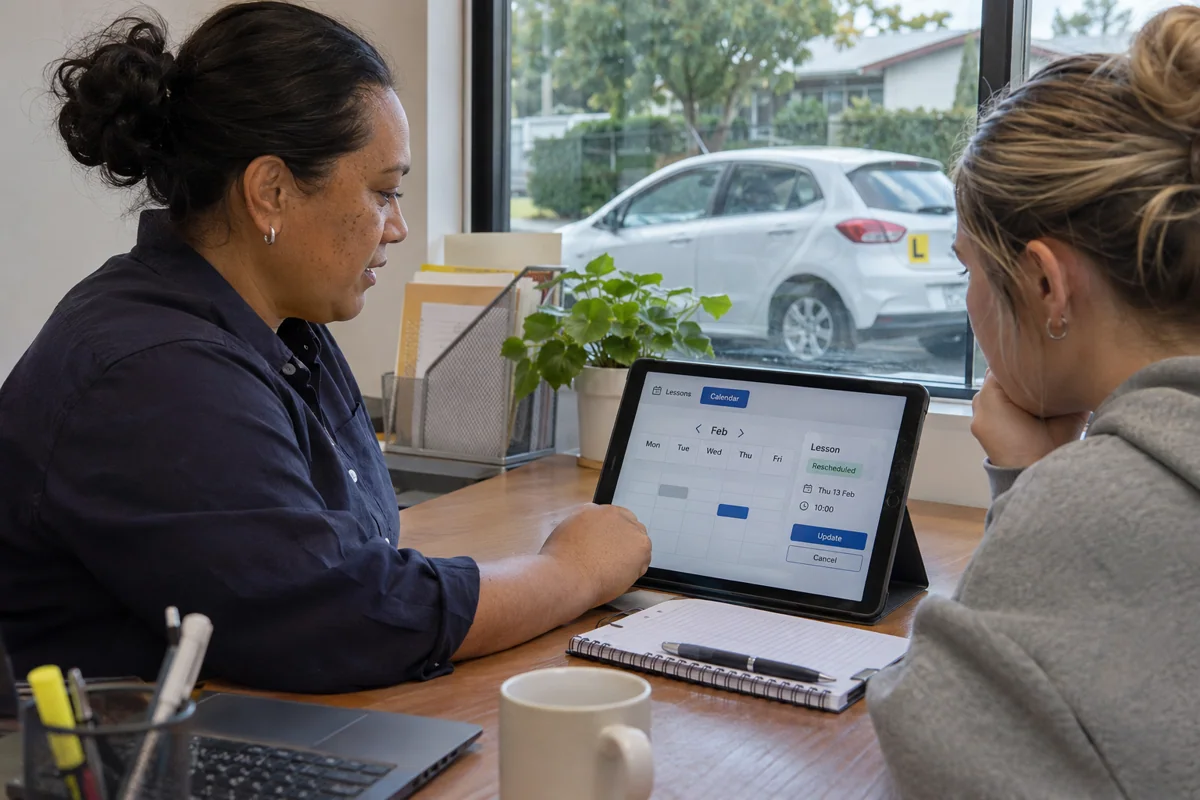
A learner moves their Thursday driving lesson to Friday. On the booking screen, it looks like a simple date change. For the person running the service, it creates three questions. Which slot is free now? What does the instructor see? Which message will the learner rely on when they leave home?
Our work with One Stop Driver Training brings those questions together. The public site helps learners choose training and begin a booking. Our project records cover staff booking history, calendar feeds and notifications for reschedules and cancellations. The change described here is an example a buyer can use to test a similar system. Explore the One Stop project.
Start with the people who need the change
Write one line for each person. The learner needs a confirmed date, time and meeting point. The instructor needs a current diary. The coordinator needs to see which slot was released and who changed the booking. Ask the team where each person looks first. A correct entry in the CRM is only part of the answer when the instructor works from a calendar on their phone.
Walk one booking through the system
Set up a test learner and two available slots. Confirm Thursday, then move the same booking to Friday. Check that Thursday is available again, that Friday has the correct capacity and that staff can see the earlier time in the booking history. Read the actual confirmation as a learner would. It should say which appointment it replaces and what to do if the new time is wrong.
Ask the supplier how quickly a connected calendar should reflect the change. Refresh it at the agreed time and look for both dates. Two entries for the same lesson can be as confusing as an empty diary.
Rehearse the awkward afternoon
Have two coordinators try to take the last Friday slot at the same time. Agree in advance what the second person should see and how they can offer another time. Then simulate an email delivery failure. Can a coordinator recognise the problem, contact the learner and resend the message without creating another lesson?
One more test is worth doing on a phone. Open the booking, switch to a different app to check a date and return to finish. Ask the learner to describe when they knew the change had been saved. Their answer often points to the exact sentence or button that needs work.
Hand over an example staff can repeat
Keep a short script with the two test slots, the expected calendar entries and the message the learner should receive. Name the person who checks a failed notification and where they record the follow-up. The next time the website or CRM changes, a coordinator can run the script again and see whether the service still works from both sides. Explore the public booking journey.